
Bill fast.
Stay in control.
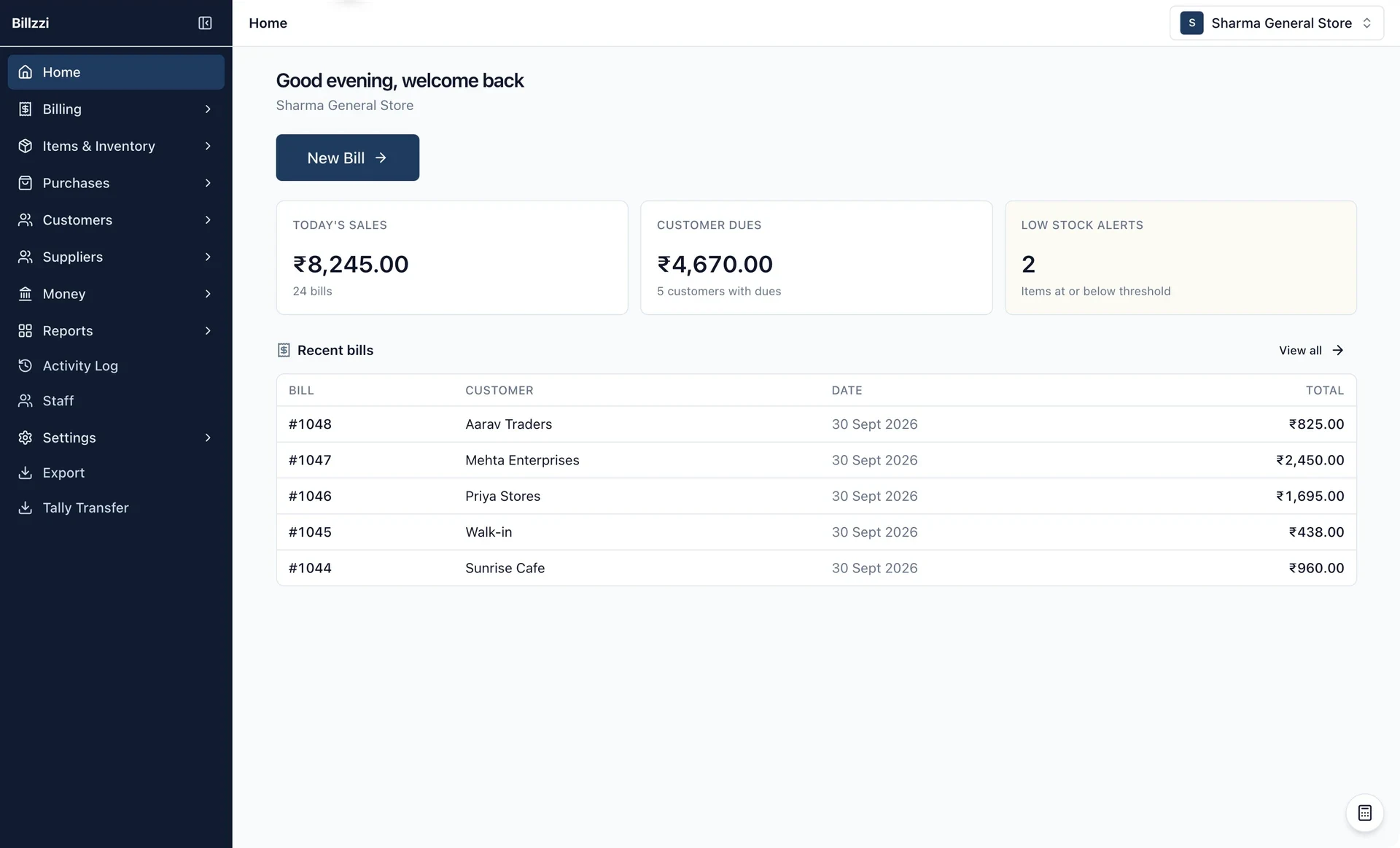
Bill in seconds. Share, print, and get paid. Built for Indian shops.
Available on Android and Windows.
- 01
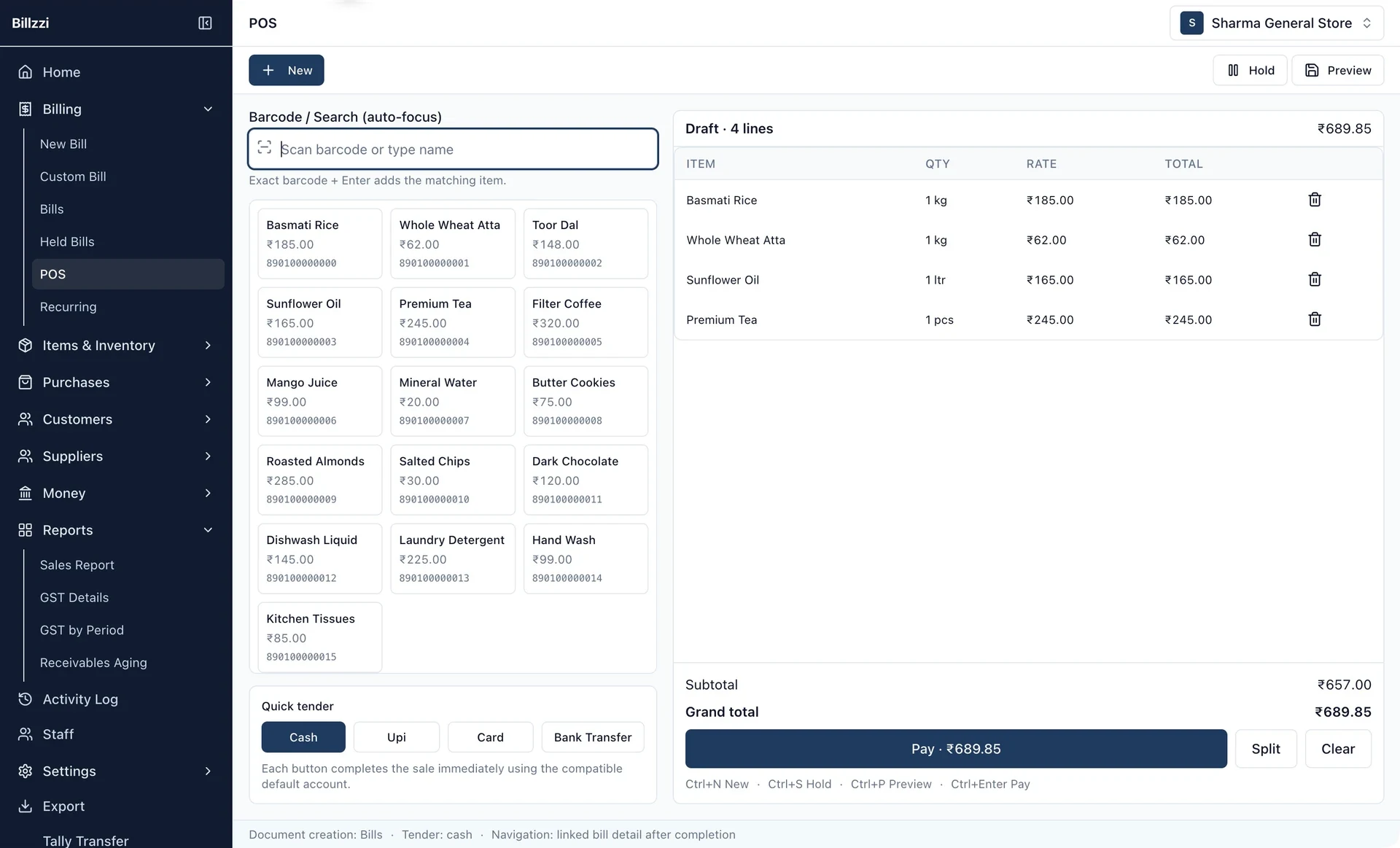
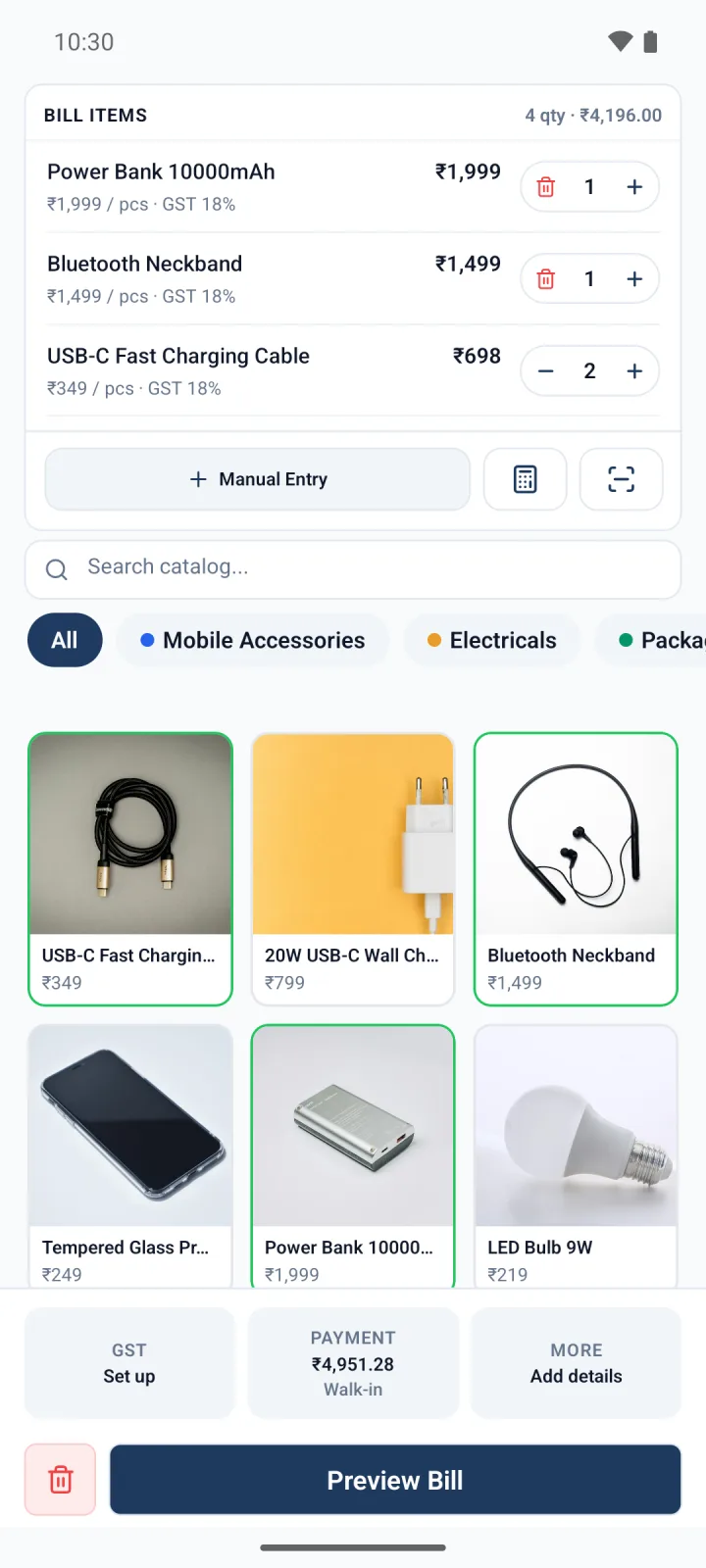
Create bills in 10 seconds
Pick items. Check out. Done.
- 02
Share on WhatsApp
Send an image or PDF invoice.
- 03
Print receipts
Print to Bluetooth thermal printers.
One place for the work that keeps your shop moving.
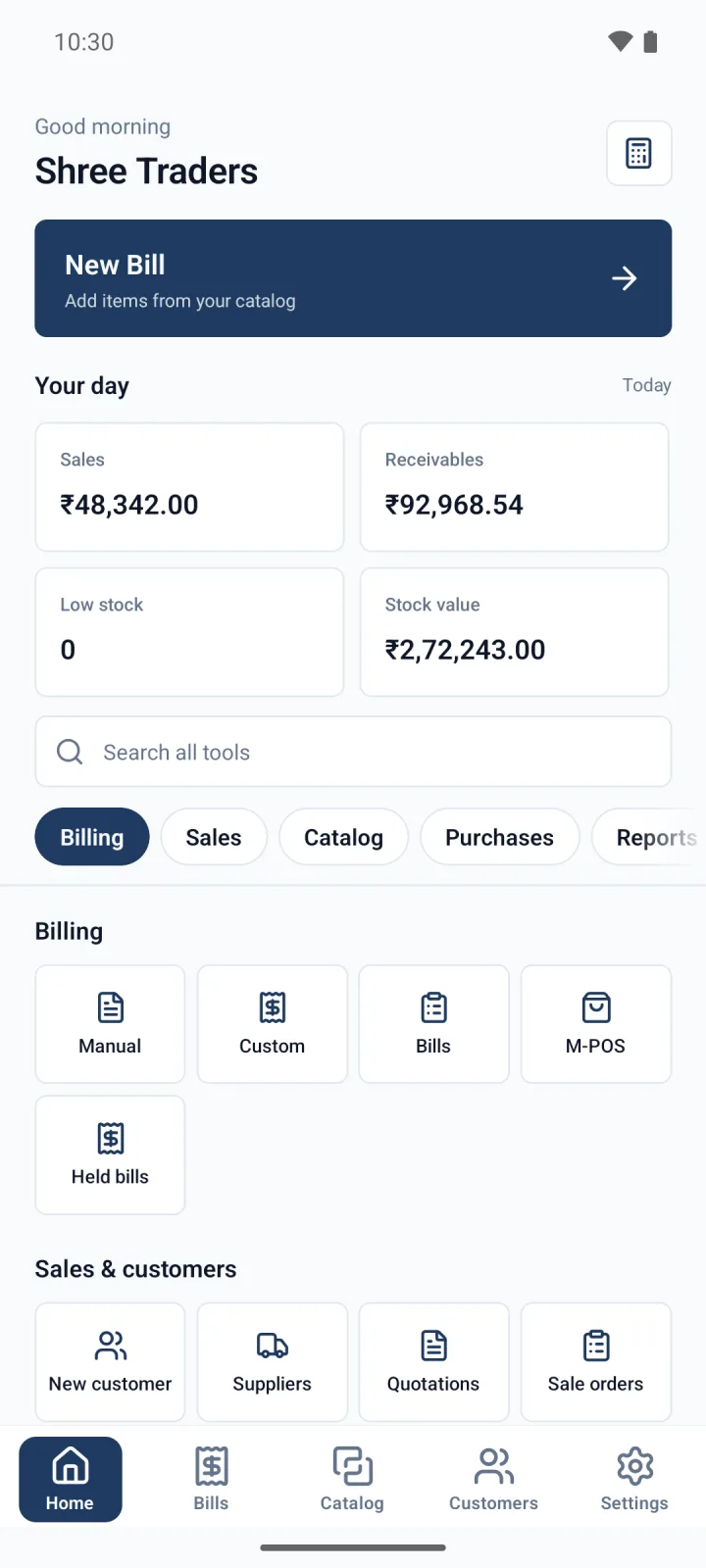
Bills, payments, customers, and stock. One app.
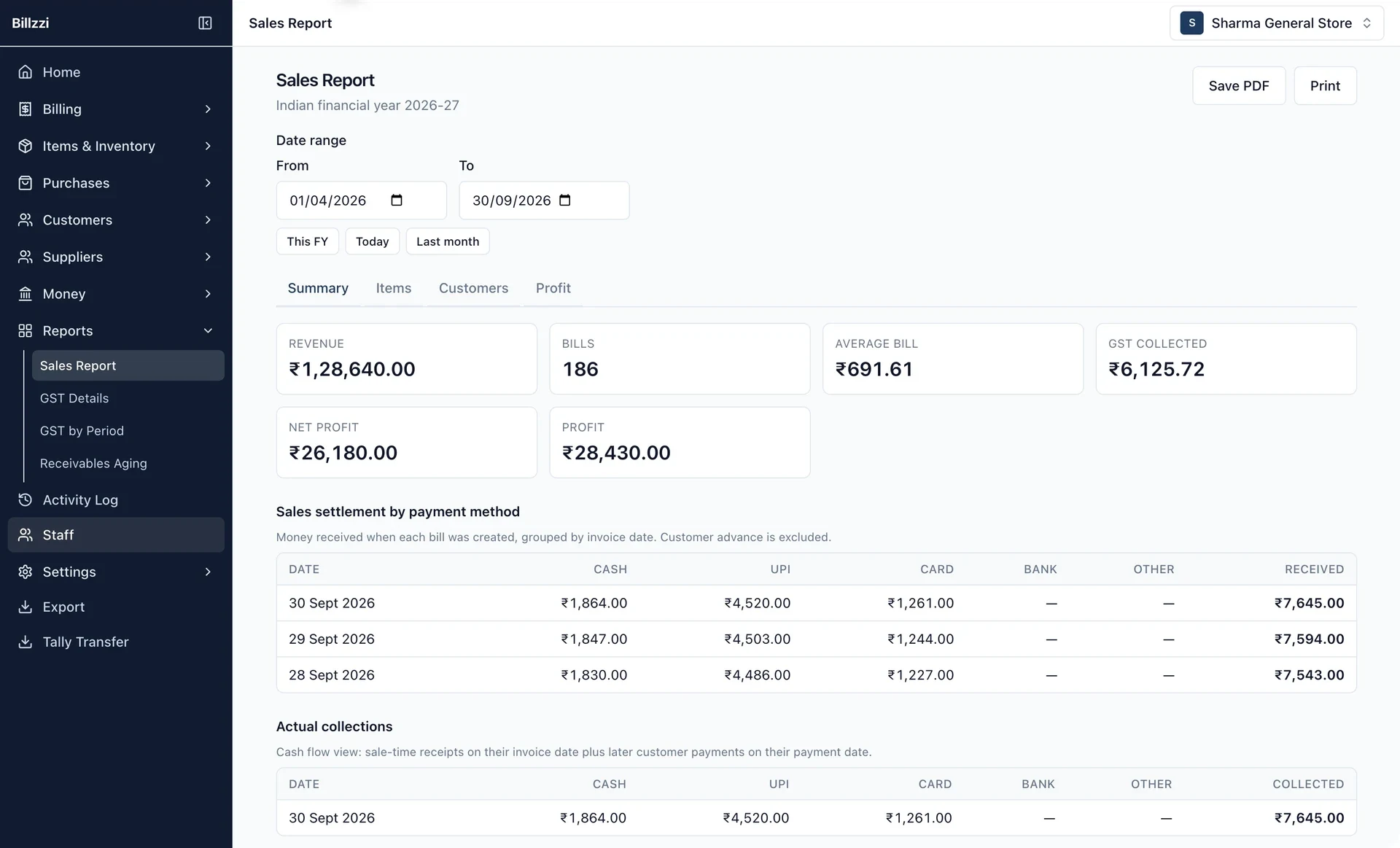
GST reports
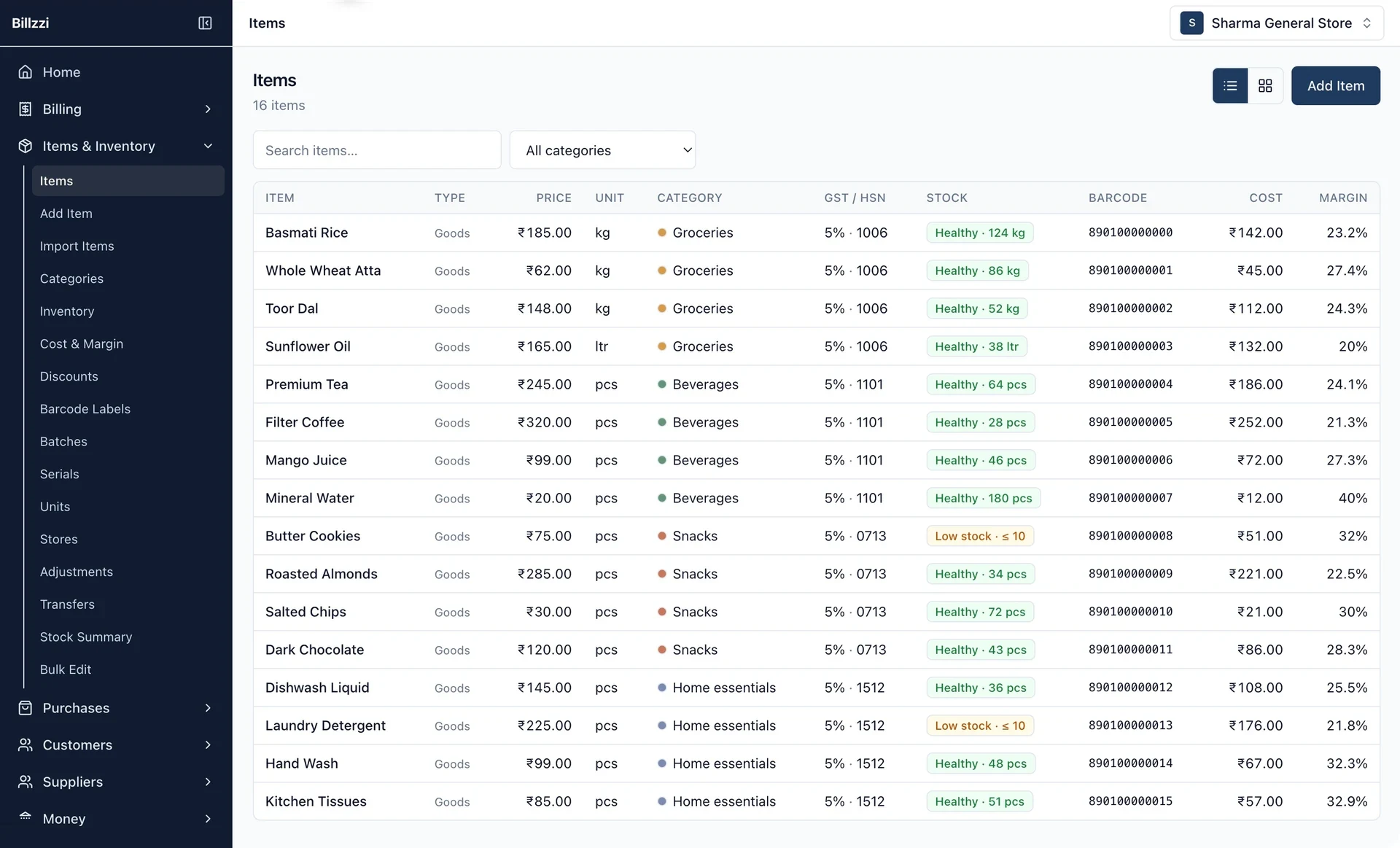
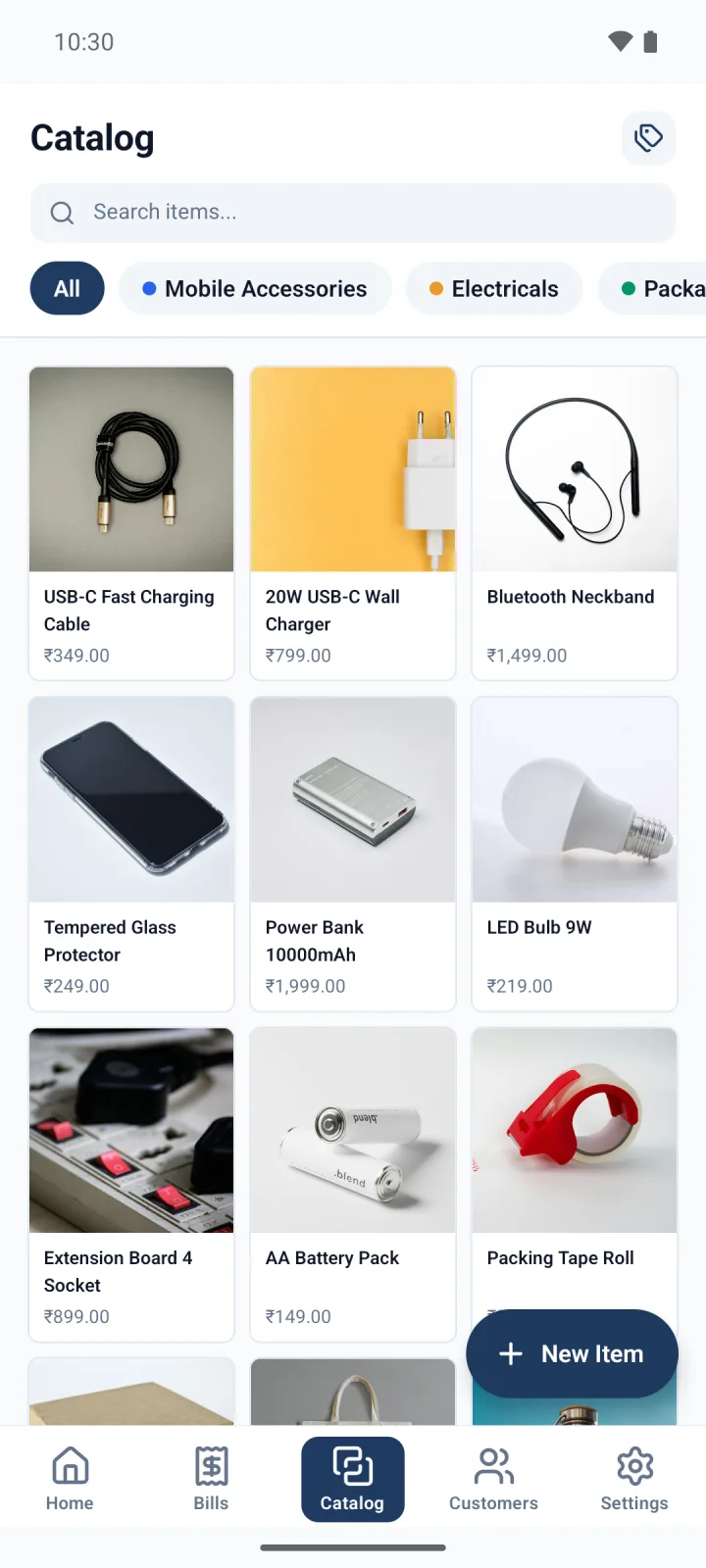
Inventory management
Customer management
Credit management
Payment tracking
Fast invoices
Staff management
Professional receipts & PDFs
Still billing by hand?
Paper bills are slow. Records go missing. Dues get forgotten.
- Keep records safe. Every bill stays in one place.
- Track dues. See who has paid and who has not.
- Look professional. Send or print every bill.

Your quickest customer still gets a proper bill.
Pick items, check the total, and move on.
Explore billing features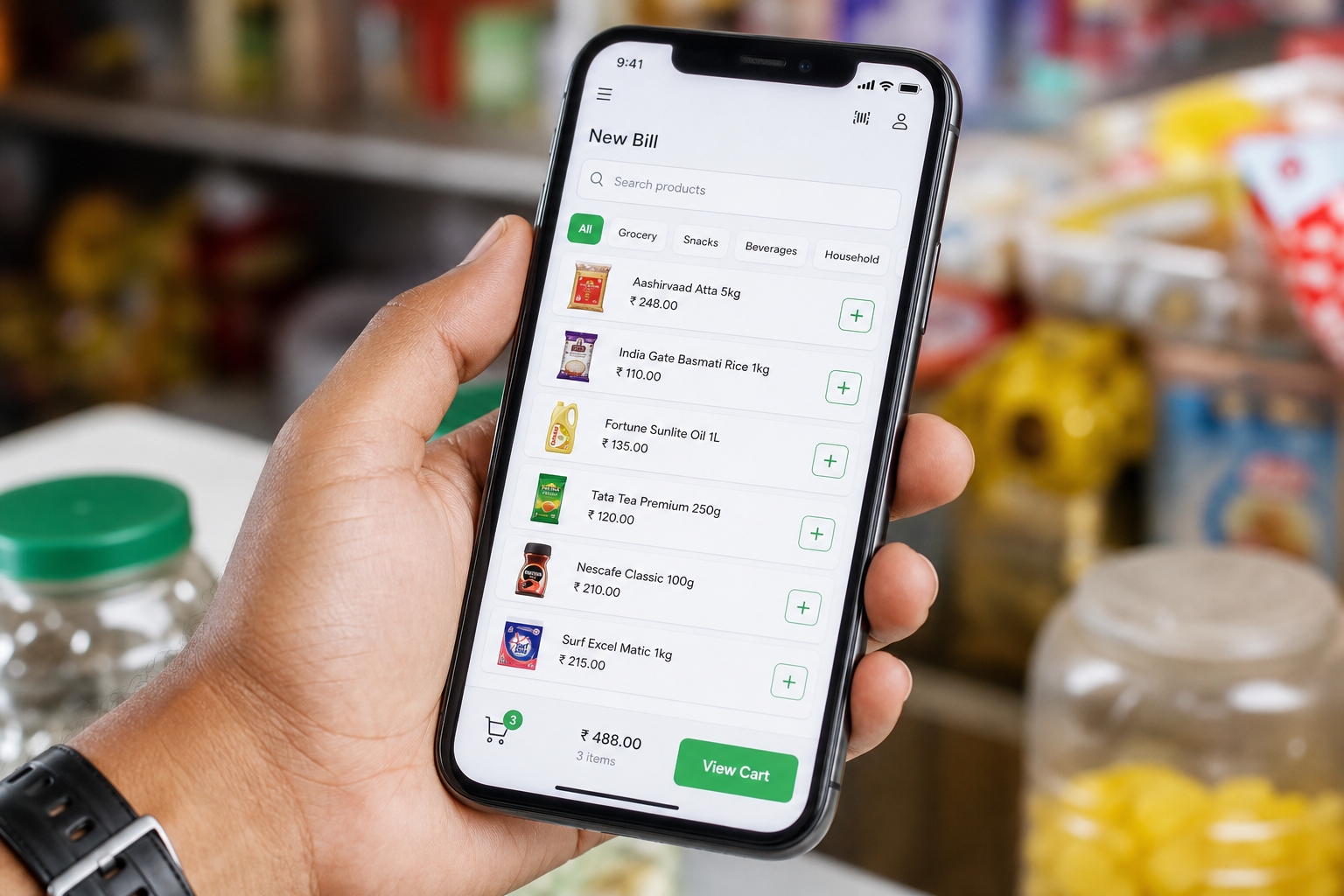
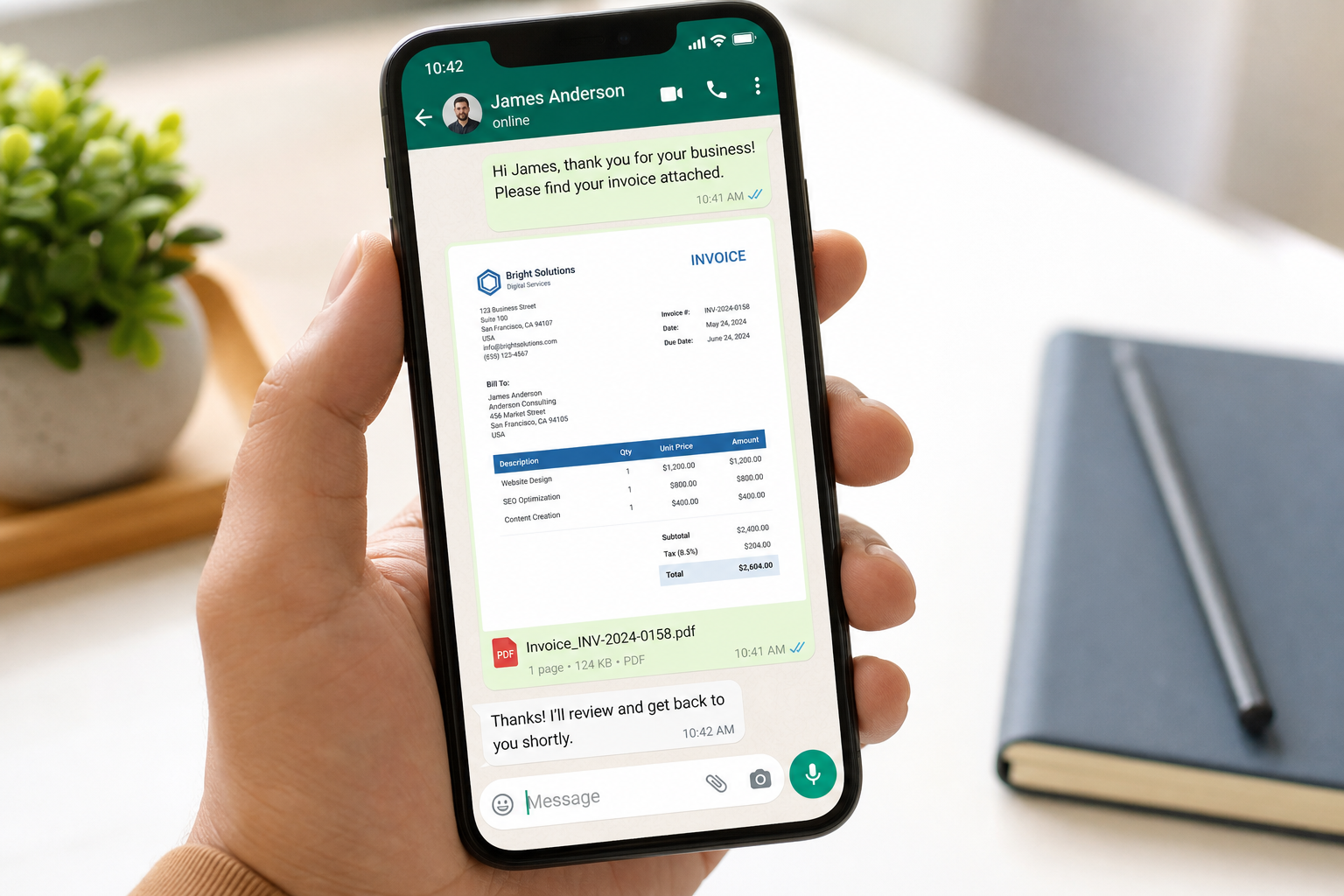
Give every bill a way to travel.
Send image or PDF invoices with your shop and UPI details.
See WhatsApp invoicingKnow what was sold, who owes, and what comes next.
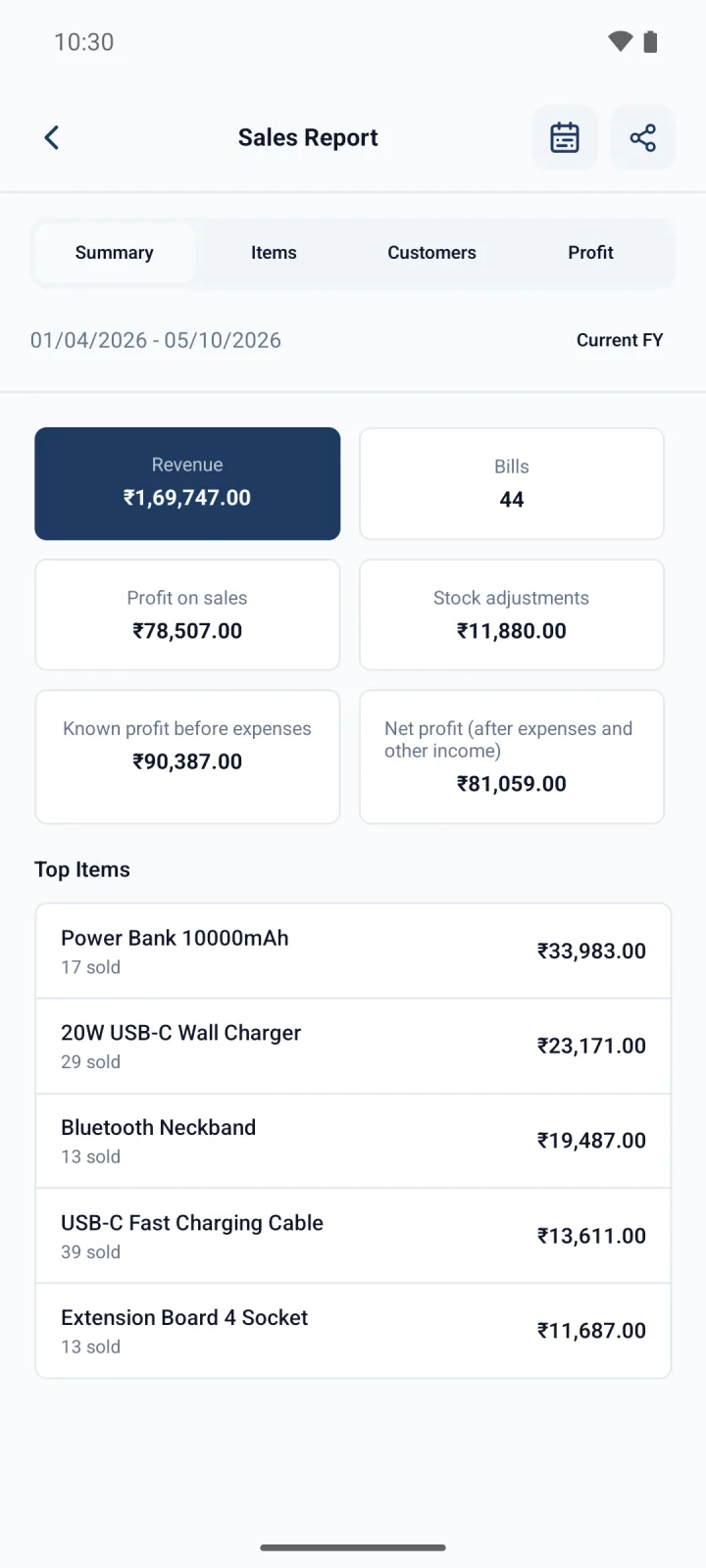
See sales, stock, customer history, and dues at a glance.
See sales reports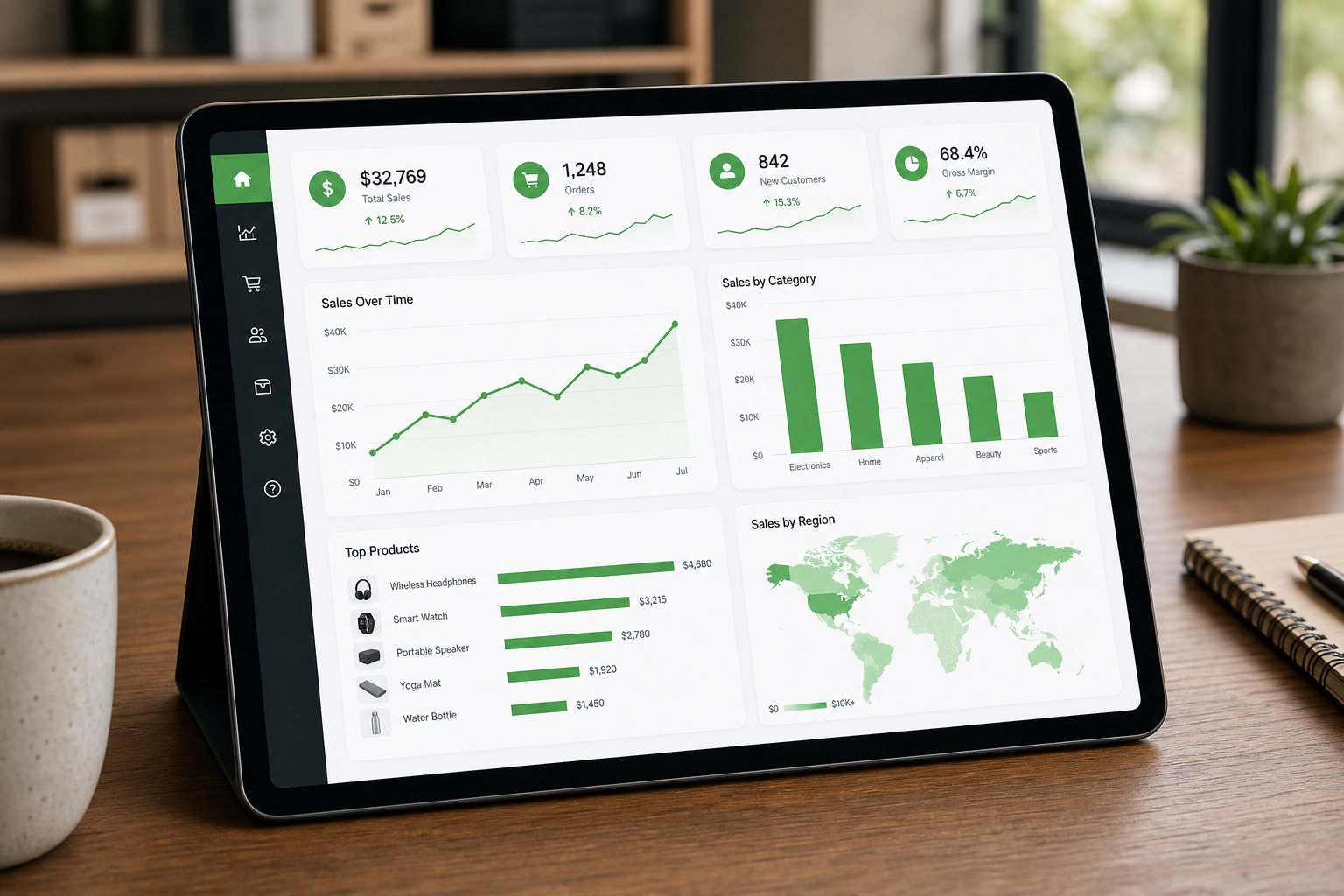
A notebook records a sale.
Billzzi helps you run the next one.
Pen & paper
Slow bills. Scattered notes.
Billzzi
Fast bills. Clear records.